AI Governance
Human-in-the-Loop Authorization for AI Agents
Design meaningful human approval for agent authority changes and high-impact actions without creating approval fatigue.
On this page
- Separate Consent from Action Confirmation
- A Risk-Based Approval Matrix
- Build an Approval Artifact
- Place Humans at Authority Transitions
- Connecting an upstream account
- Granting an Application access
- Expanding or changing authority
- Executing a high-impact action
- Reduce Approval Fatigue
- Practical Recommendations
- Make approvals comprehensible
- Revalidate and consume atomically
- Design revocation before approval
- Security Caveats
- FAQ
- Must every MCP tool call be approved?
- Can the model generate the consent screen?
- What happens when a user reconnects an account?
- Primary References
Human-in-the-loop controls are often reduced to a modal that asks “Allow?” immediately before an agent acts. That interaction can be useful, but it is not sufficient authorization. A meaningful approval must identify the Application, affected resource, credential source, capability, parameters that matter, duration, and what changes if the user accepts.
The goal is not to put a human in every loop. It is to place an accountable human decision at authority transitions and high-consequence actions, then enforce the resulting boundary independently of the model.
Separate Consent from Action Confirmation
Two approvals solve different problems:
| Approval | Question | Typical lifetime |
|---|---|---|
| Authority consent | May this Application use these upstream capabilities and credentials? | Session or bounded offline period |
| Action confirmation | May it perform this specific consequential operation now? | One operation |
Axec implements the first boundary. It authenticates the calling Application, lets the user connect an upstream account when required, presents a backend-owned consent projection, and creates a Grant for the exact approved Application-to-Connector path. An individual tool can add action confirmation for a payment, deployment, deletion, or external message.
Do not treat a chat response such as “yes” as durable OAuth consent. The model can misassociate context, and the text does not bind an exact client, resource, or credential.
A Risk-Based Approval Matrix
Use action characteristics rather than tool names alone:
| Action class | Example | Recommended control |
|---|---|---|
| Read-only, bounded | Read one issue | Execute within active Grant |
| Reversible write | Add a draft comment | Grant plus clear preview or undo |
| External communication | Send a customer email | Confirm recipients and final content |
| Privilege change | Add a repository administrator | Fresh authentication and one-shot approval |
| Irreversible/high value | Delete production data or transfer funds | Strong confirmation plus domain controls |
A tool called update_record may range from harmless to critical depending on record type and fields. Evaluate normalized arguments and business context before choosing the control.
Build an Approval Artifact
The server, not the model, should construct an immutable approval artifact. A minimal shape might be:
{ "application_id": "app_coding_assistant", "grant_id": "grant_01J...", "connector_id": "con_source_control", "capability": "repository.merge", "resource": "acme/payments#482", "material_arguments": { "base": "main", "head_sha": "8f32c9d" }, "expires_at": "2026-08-20T15:05:00Z", "nonce": "approval_01J..."}Display values from this normalized artifact and bind acceptance to its digest. At execution, compare the requested operation to the accepted artifact, consume one-shot approvals atomically, and reject changes in material arguments. Never let the agent rewrite the approval description while retaining the same approval identifier.
Place Humans at Authority Transitions
Connecting an upstream account
The user should see which provider account is being connected and what upstream permissions are requested. Connection is credential establishment, not consent for every Application. Keep it separate from the Grant.
Granting an Application access
Show the requesting Application, target gateway, selected Connectors, credential ownership, capabilities, and session or offline duration. In Axec, acceptance revalidates the exact displayed snapshot before creating the Grant and one-use authorization code.
Expanding or changing authority
Adding a Connector, capability, provider, or longer duration requires a new decision. Configuration and contract digests help detect when a previously approved contract changed. Reconnecting an account creates a new Connection identity, so old Grants do not inherit it silently.
Executing a high-impact action
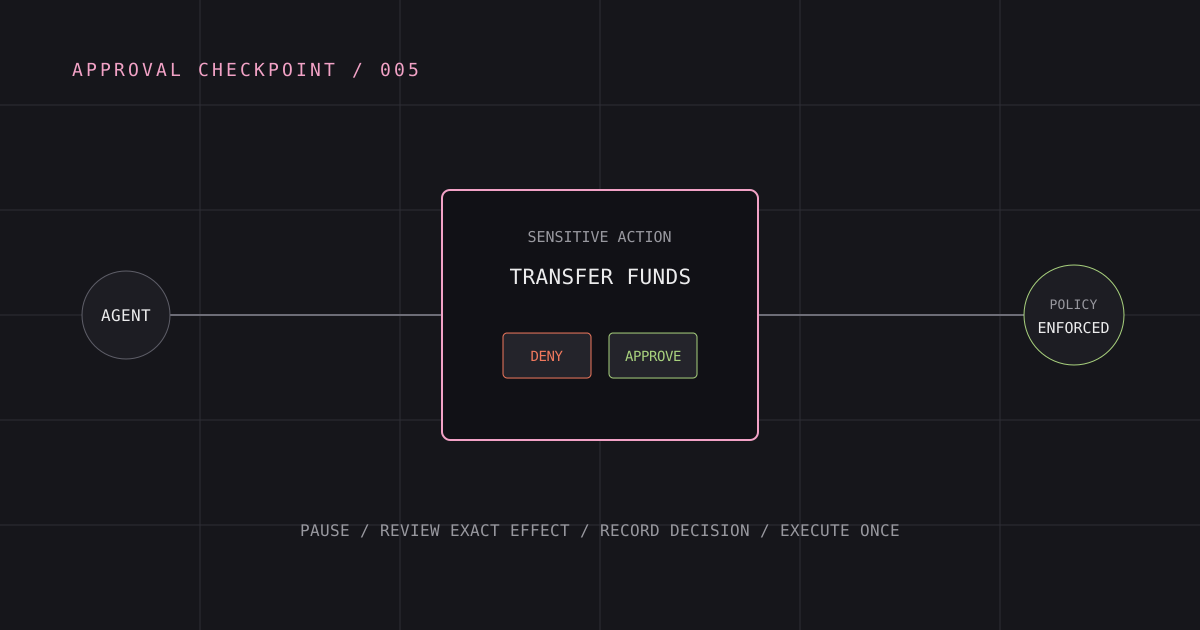
Request confirmation as late as practical, after arguments are known but before side effects. Keep the window short, bind it to one operation, and show a final preview independent of model prose.
Reduce Approval Fatigue
Repeated low-value prompts train users to approve reflexively. Start with narrow Applications and tools, then allow routine operations under session Grants. Batch related reads, provide transparent activity history, and reserve interruption for risk changes.
Prefer purpose-built capabilities such as create_invoice_draft over a broad execute_accounting_request. Narrow tools reduce both policy complexity and the number of times a human must interpret raw parameters.
Denial must be a complete path. It should consume the pending authorization transaction where appropriate, avoid creating authority, return a clear protocol error, and leave the user able to continue safely.
Practical Recommendations
Make approvals comprehensible
Use concrete verbs, named resources, upstream account labels, and duration. Disclose when a workspace-managed credential will be used without exposing its secret value.
Revalidate and consume atomically
Check current Grant, attachment, Connector, Connection, and approval digest in the same transaction that records acceptance or initiates the side effect. Prevent replay and double execution.
Design revocation before approval
Users and administrators need a visible way to revoke offline Grants and Connections. Runtime enforcement should reload current authority so revocation affects active agents promptly.
Security Caveats
A human can approve a maliciously prepared action, especially when prompt injection influences the summary. Render trusted fields from validated server data, highlight unusual destinations and privilege changes, and avoid displaying hidden or truncated arguments.
Human approval also does not replace upstream authorization, rate limits, separation of duties, or safe defaults. For the highest-risk domains, require independent approvers or native upstream controls rather than assuming one Axec consent screen is enough.
FAQ
Must every MCP tool call be approved?
No. Approve a bounded authority envelope, then add per-action confirmation where impact warrants it. Continuous reads within a session should not create approval fatigue.
Can the model generate the consent screen?
It may provide explanatory text, but trusted identity, capability, credential, and duration fields must come from backend state.
What happens when a user reconnects an account?
Axec creates a new Connection identity and revokes the old one. Existing Grants pinning the old Connection do not automatically migrate.
Primary References
From architecture to enforcement
Secure your AI agents with Axec
Keep application identity, user-approved authority, upstream credentials, and runtime enforcement separate as agents access enterprise systems.
Continue exploring
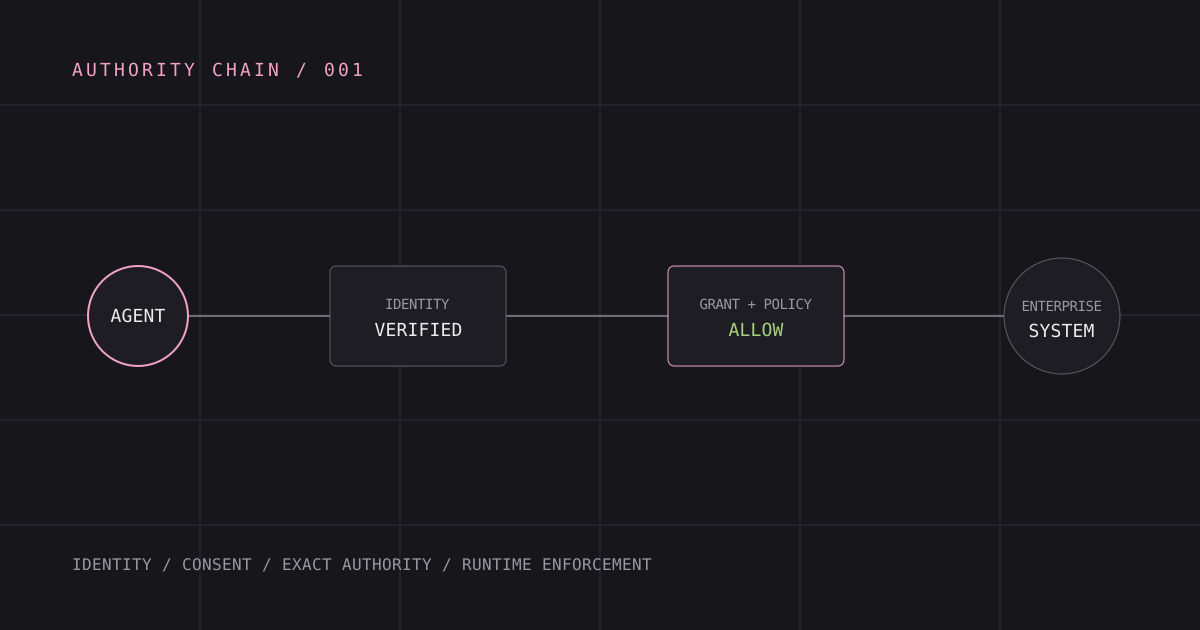
AI Agent Authorization: A Practical Architecture
How to authorize AI agents with explicit application identity, user consent, bounded credentials, and runtime enforcement.
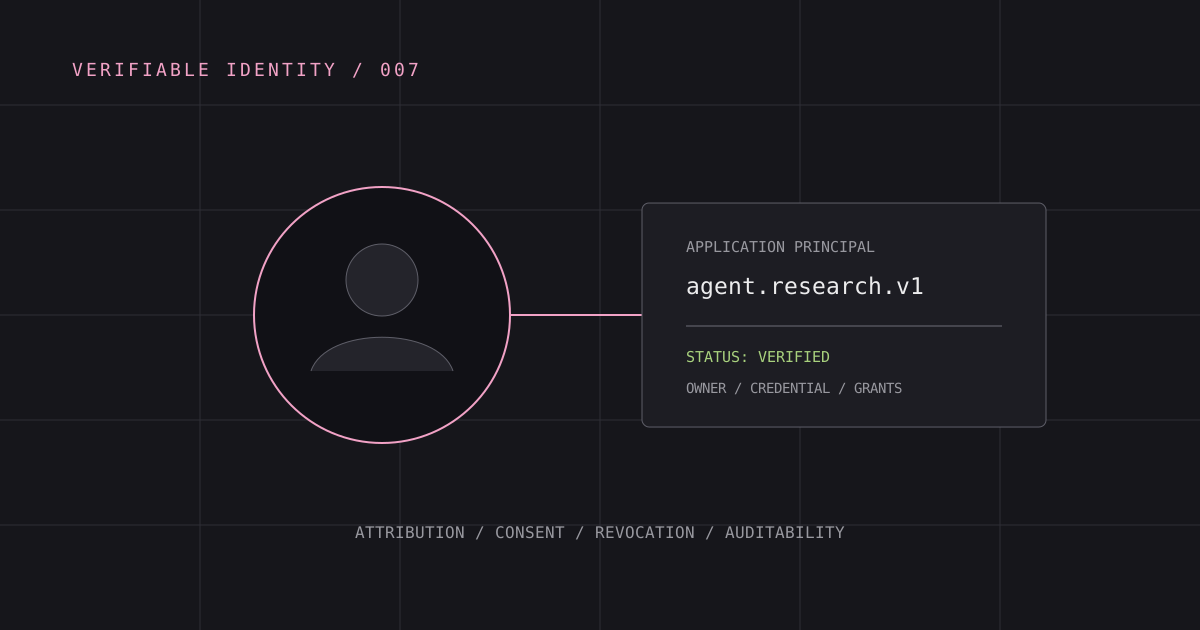
Why AI Agents Need Identity
Identity gives agent actions attribution, credential boundaries, revocation, and a foundation for meaningful authorization.
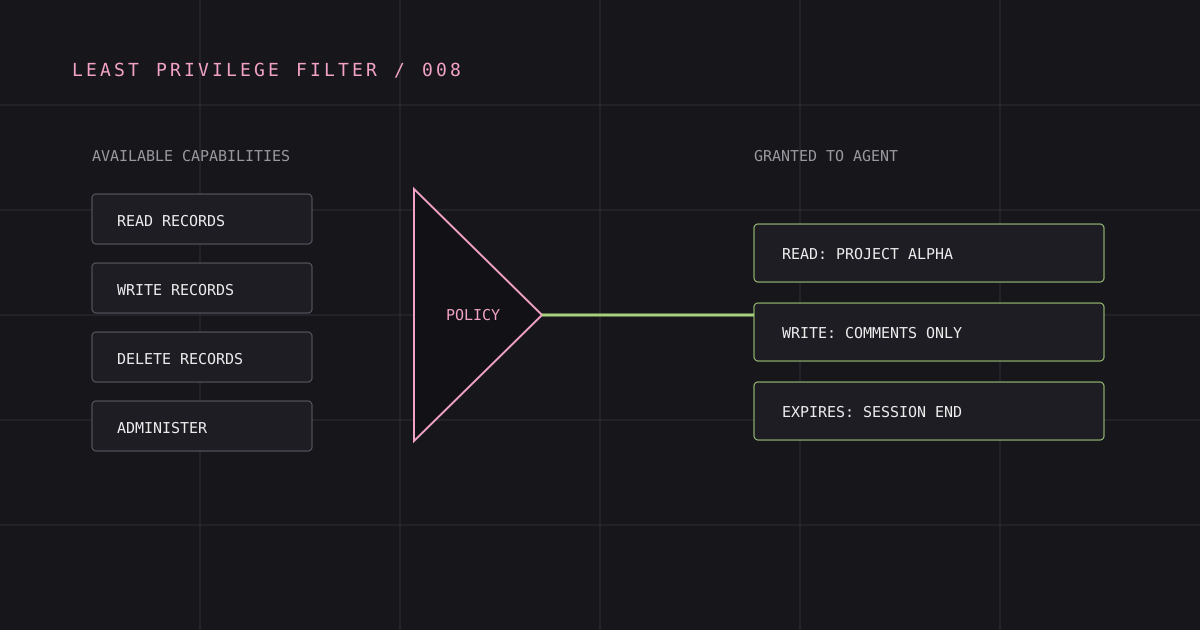
How to Prevent Over-Permissioned AI Agents
Reduce agent authority with capability ceilings, specific consent, credential isolation, live checks, and measurable revocation.