Agent Security
How to Prevent Over-Permissioned AI Agents
Reduce agent authority with capability ceilings, specific consent, credential isolation, live checks, and measurable revocation.
On this page
- Measure the Authority Envelope
- Establish Multiple Ceilings
- Administrative attachment ceiling
- User consent ceiling
- Runtime contract ceiling
- Argument ceiling
- Select the Minimum Credential
- Prefer Narrow Authorization Requests
- Make Revocation Effective During Execution
- Practical Recommendations
- Replace general-purpose tools
- Use session authority by default
- Observe denied and allowed paths
- Test negative boundaries
- Security Caveats
- FAQ
- Are short-lived tokens enough?
- Should every agent have a unique upstream account?
- How do we know an agent is over-permissioned?
- Primary References
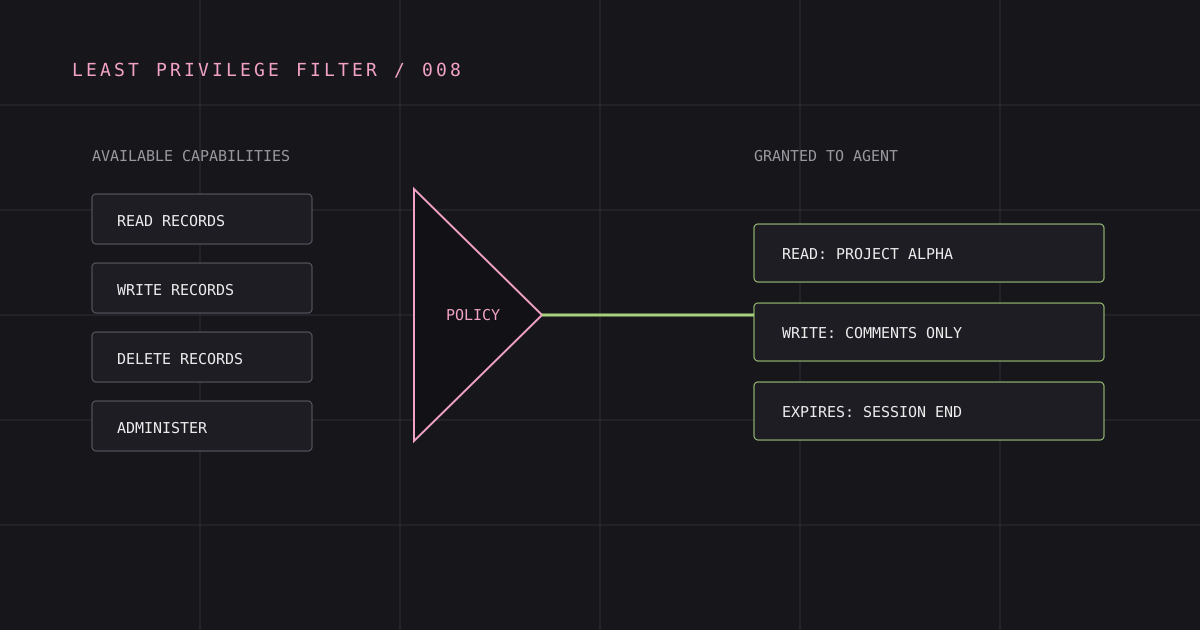
An agent is over-permissioned when its usable authority exceeds the actions required for its task. The excess can appear in several dimensions: too many tools, broad upstream scopes, the wrong account, a token valid for multiple resources, offline duration, unsafe arguments, or credentials directly possessed by the agent.
Reducing only one dimension is not least privilege. A read-only tool with access to every tenant can still be excessive, and a narrow OAuth scope can still expose a dangerous general-purpose tool.
Measure the Authority Envelope
Review agent authority as a tuple rather than a role name:
authority = principal × resource × capability × credential source × data boundary × duration × execution contextFor each Application, ask:
| Dimension | Review question |
|---|---|
| Principal | Is the calling Application uniquely authenticated? |
| Resource | Is the bearer bound to one intended gateway? |
| Capability | Are only required MCP tools visible and callable? |
| Credential | Is execution pinned to the approved Connection or workspace credential? |
| Data | Are tenant, repository, project, and record constraints enforced? |
| Duration | Is session authority sufficient instead of offline access? |
| Context | Does a consequential action require human confirmation? |
Establish Multiple Ceilings
Defense in depth works when each layer can only narrow authority.
Administrative attachment ceiling
Attach only required Connectors to an Application’s MCP gateway. In Axec, the Application Connector records allowed capability keys and scopes. This is the administrator-owned maximum; user consent cannot expand it.
User consent ceiling
For delegated access, present the selected Connector, upstream account or workspace credential source, capabilities, and duration. The resulting Grant pins exact attachment, Connector, Connection or Vaulted Credential, scopes, capabilities, and contract digests.
Runtime contract ceiling
Intersect the Grant with the currently active Connector contract and discovered credential capabilities. A configuration or contract change must not silently widen prior consent. Tool discovery should expose the effective intersection, not the provider’s complete catalog.
Argument ceiling
Validate resource identifiers and consequential fields at execution. Tool-level permission to post_message does not imply permission to message every channel or include arbitrary sensitive data.
Select the Minimum Credential
Credentials are authority, not plumbing. Avoid placing a user’s provider token in the agent environment.
Axec distinguishes:
- An Application Credential, which authenticates the downstream Application.
- A user Connection, which stores one user’s encrypted upstream credential for one Connector.
- A workspace Vaulted Credential, which represents shared upstream authority.
- A Grant, which links the Application to one approved credential source and capabilities.
The gateway can decrypt the selected upstream credential only for authorized execution. This allows the client to receive a tool result without obtaining refresh tokens or unrestricted provider access.
For autonomous client_credentials workloads, do not borrow a user Connection. Axec permits only the Application’s own active vaulted or no-auth Connector attachments. If a task needs a user’s account, use a user-delegated browser flow.
Prefer Narrow Authorization Requests
When the workflow knows its provider, request that provider explicitly. In Axec, repeated allowed_provider values narrow authorization to matching active attachments; unknown or mixed-invalid selections are rejected. Omitting provider selection eagerly considers every active attachment, which can create unnecessary consent surface.
Request scope=mcp:invoke for the exact gateway Resource Indicator and add offline_access only when unattended operation is required. Offline authority should have an accountable owner, fixed expiry, visible inventory, refresh rotation, and a tested revocation path.
GET /oauth2/authorize?response_type=code &client_id=release-agent &resource=https%3A%2F%2Faxec.example%2Fg%2Frelease%2Fmcp &scope=mcp%3Ainvoke &allowed_provider=source-control &code_challenge=BASE64URL_SHA256_VERIFIER &code_challenge_method=S256 &redirect_uri=https%3A%2F%2Fclient.example%2Fcallback &state=OPAQUE_STATEMake Revocation Effective During Execution
On each MCP call, verify the bearer and reload Application, credential, Grant, attachment, Connector, Connection, and session or refresh-family status.
Axec’s exact identity bindings make revocation predictable. Reconnecting an upstream account revokes the old Connection and creates a new one; existing Grants do not inherit it. Removing an attachment or revoking an Application Credential invalidates dependent runtime authority.
Practical Recommendations
Replace general-purpose tools
Prefer create_refund_request over arbitrary HTTP or shell execution. If a general tool is unavoidable, isolate it, enforce destination allowlists and schemas outside the model, and require confirmation for side effects.
Use session authority by default
Keep interactive work tied to an active browser session. Grant offline access only to named workflows with a maximum lifetime and refresh-token reuse detection.
Observe denied and allowed paths
Record secret-free tool decisions and correlate upstream outcomes. Review unused capabilities, repeated denials, and Applications whose observed behavior is much narrower than configured authority.
Test negative boundaries
Verify cross-tenant denial, wrong gateway audience, revoked Connections, removed attachments, changed contracts, unapproved providers, unsafe arguments, and Application-principal attempts to use user credentials.
Security Caveats
Least privilege cannot fully contain a tool whose semantics are unbounded. A SQL, browser, shell, or generic HTTP tool can encode many capabilities behind one name. Sandbox it and enforce independent network, filesystem, and data controls.
Prompt injection can still steer an agent toward actions inside its envelope. Keep sensitive actions narrow, validate arguments, and use fresh human confirmation where impact warrants it. Also remember that logs can recreate sensitive authority if they contain tokens or full payloads.
FAQ
Are short-lived tokens enough?
No. They reduce exposure duration but do not constrain resource, tool, credential source, or arguments. Live revocation closes gaps before expiry.
Should every agent have a unique upstream account?
Not necessarily. The credential owner should match the workflow. A user Connection is appropriate for delegated work; a narrowly governed workspace credential can serve autonomous work.
How do we know an agent is over-permissioned?
Compare configured authority with required workflow actions and observed use. Remove unused Connectors, capabilities, scopes, credential paths, and offline duration, then test that the workflow still succeeds.
Primary References
From architecture to enforcement
Secure your AI agents with Axec
Keep application identity, user-approved authority, upstream credentials, and runtime enforcement separate as agents access enterprise systems.
Continue exploring
AI Agent Authorization: A Practical Architecture
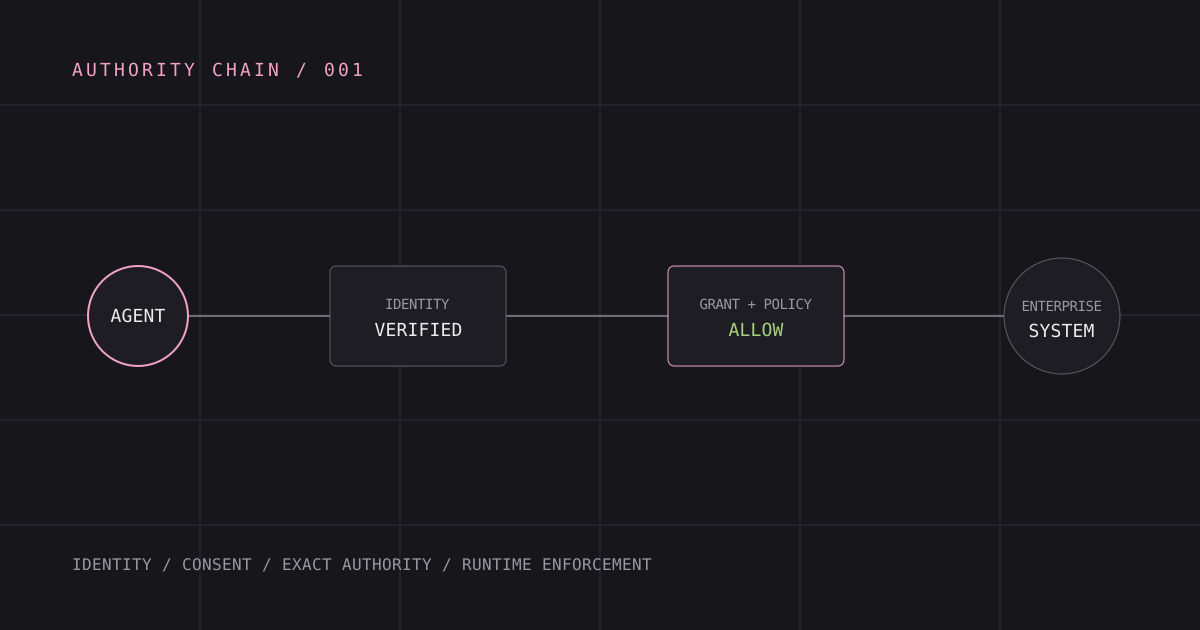
How to authorize AI agents with explicit application identity, user consent, bounded credentials, and runtime enforcement.
How to Secure MCP Servers for Enterprise Use
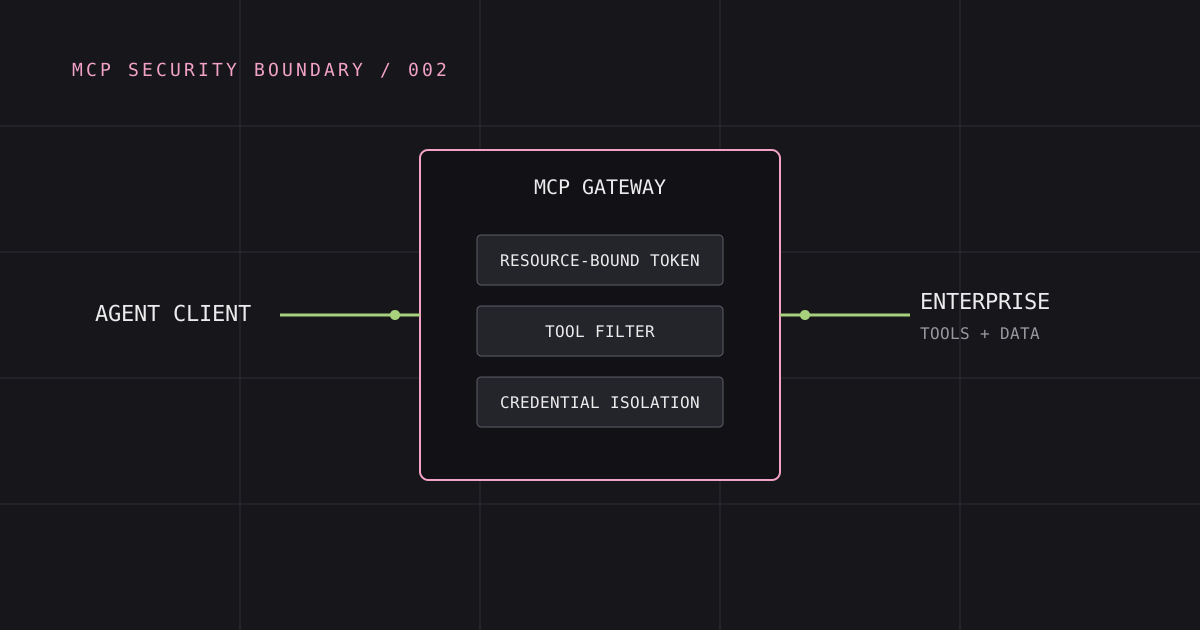
A deployment-focused guide to MCP authentication, resource-bound authorization, credential isolation, and runtime controls.
Human-in-the-Loop Authorization for AI Agents
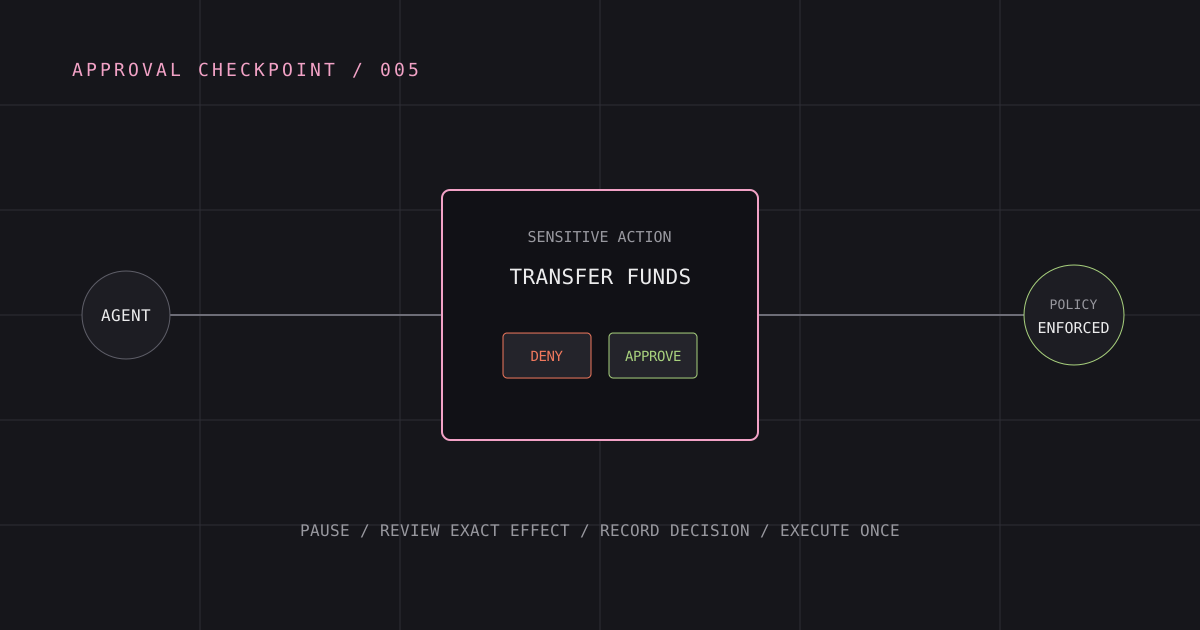
Design meaningful human approval for agent authority changes and high-impact actions without creating approval fatigue.